Migrating a WordPress from one server to another with Same Domain Name

I recently moved one of my WP websites to a new host. The old host was Japanese and the new is American. But the site’s URL remains the same. No one would ever notice the change until he checks the hosting provider. Migrating a WP website from one host to another with the same domain name is indeed quite possible. It involves only a few tasks that have to be handled carefully.
Set up your new hosting account

If you switch to a different hosting plan of the same web host, please skip this part. I assume most of you will switch to another host. You first need to purchase a new hosting plan and set it up before starting migration. Once you’ve set up your web hosting, you will be able to
  • create a database
  • install a new WordPress, and/or
  • connect to the server using a command line interface.

I list these actions, because they involve important functions for managing your WP site. And the functions are sometimes disabled by default. You may be required to get your account verified to use them. Some American hosts ask you to make a phone call. It’s no problem for US citizens or someone living in the United States. But if you are/live outside North America, you may need to be ready in advance for the questions you will be asked. Most US hosts do not have international toll-free numbers; you’ve got to make an international phone call at your own expense. In my case, the verification call lasted almost 9 minutes. So it is a good idea to write down your hosting account, invoice number and other information before you make the call.

Export & Import your WP data

You can download your old WP data without any plugin. Login to your old WP Dashboard and move to Tools Export screen. The Export screen looks like this. When you click “Download Export File” on the screen, an XML file will be generated and downloaded to your computer. The file name should look like

YOUR_WP_SITE.wordpress.YYYY-MM-DD.xml

and contains your posts, pages, comments, custom fields, categories, and tags. In other words, it does not contain your Plugins and Settings. You need to manually install new plugins and adjust all the settings after importing your old WP data into the new website. The XML file does not contain your old WP theme files, either. They can be found under

YOUR_WP_ROOT/wp-content/themes/

on your old host so you can transfer the theme files from your old host to your computer and then from your computer to your new host using an FTP client. Now you have every content you can move and think about installing a WP onto your new host.


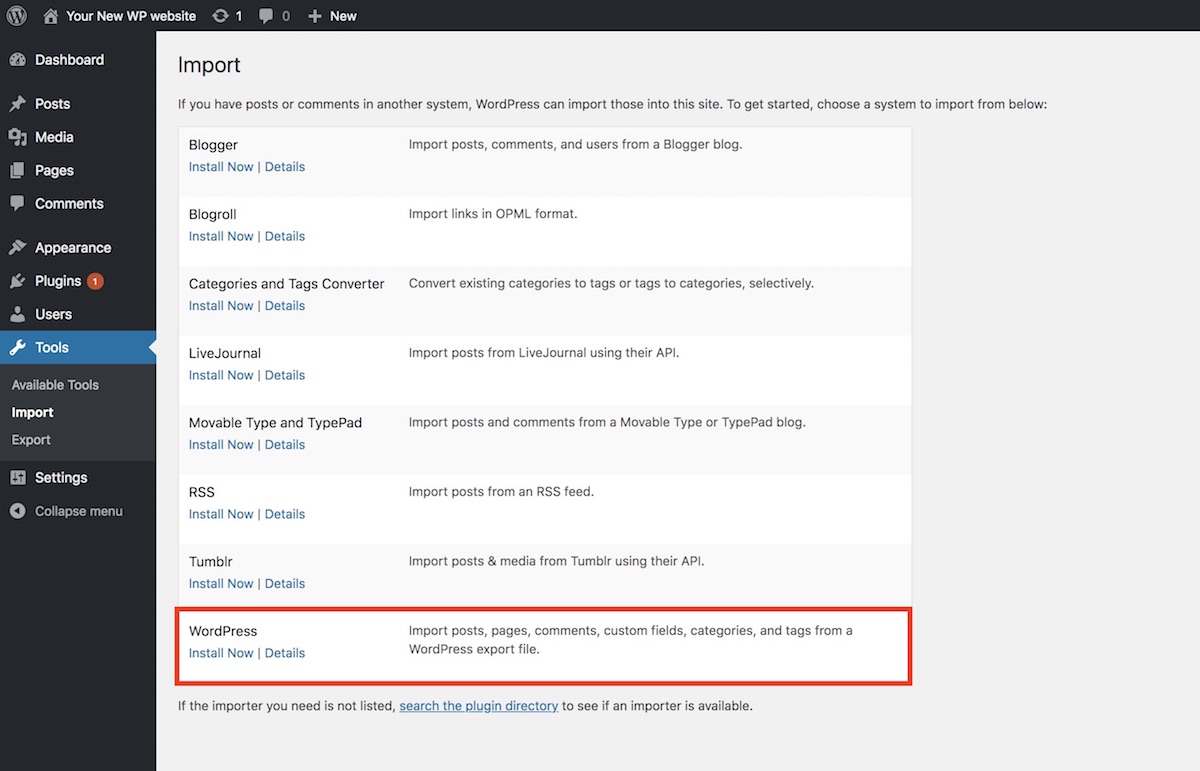
Go to your new host and install a new WP onto it. And login to the new WP site and move to Tools Import screen. The screen will list several system importers. Just click “Install Now” of the WordPress option.

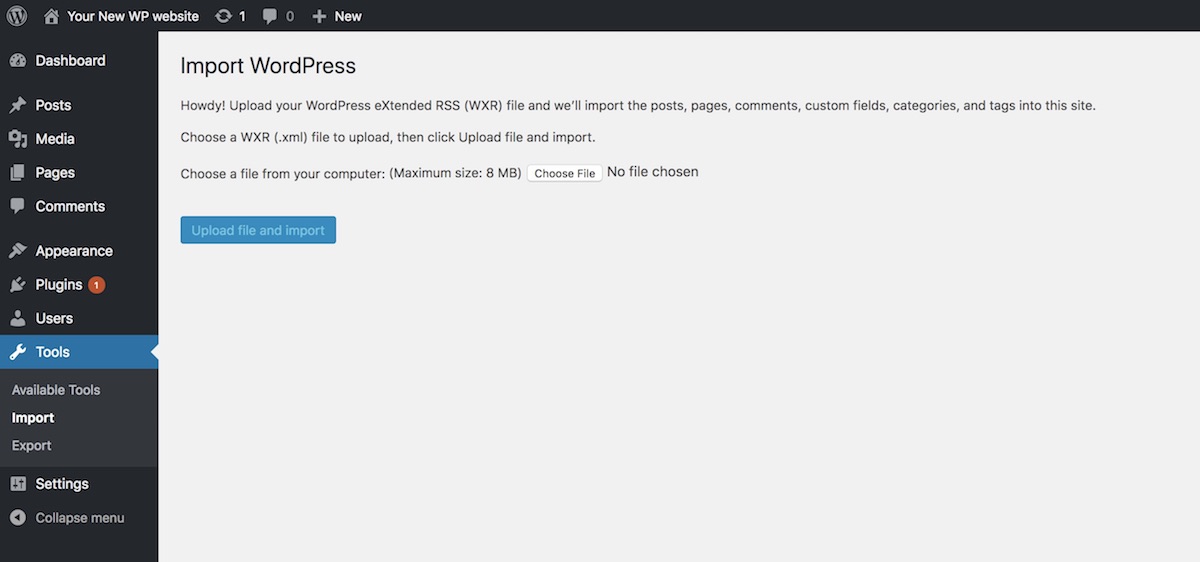
You will then be asked for choosing an XML file to upload. Press “Choose file” button, find the exported XML file and then hit “Upload file and import”.

Your old posts, pages, comments, etc. will be imported into your new WP site. Check and adjust your Permalinks, Plugins, Theme and other settings. It is also recommended to backup your new WP database at this point. You are going to edit the database. And if an unexpected error occur during editing, the WP will stop showing its entire posts and pages.

Edit your new WP database

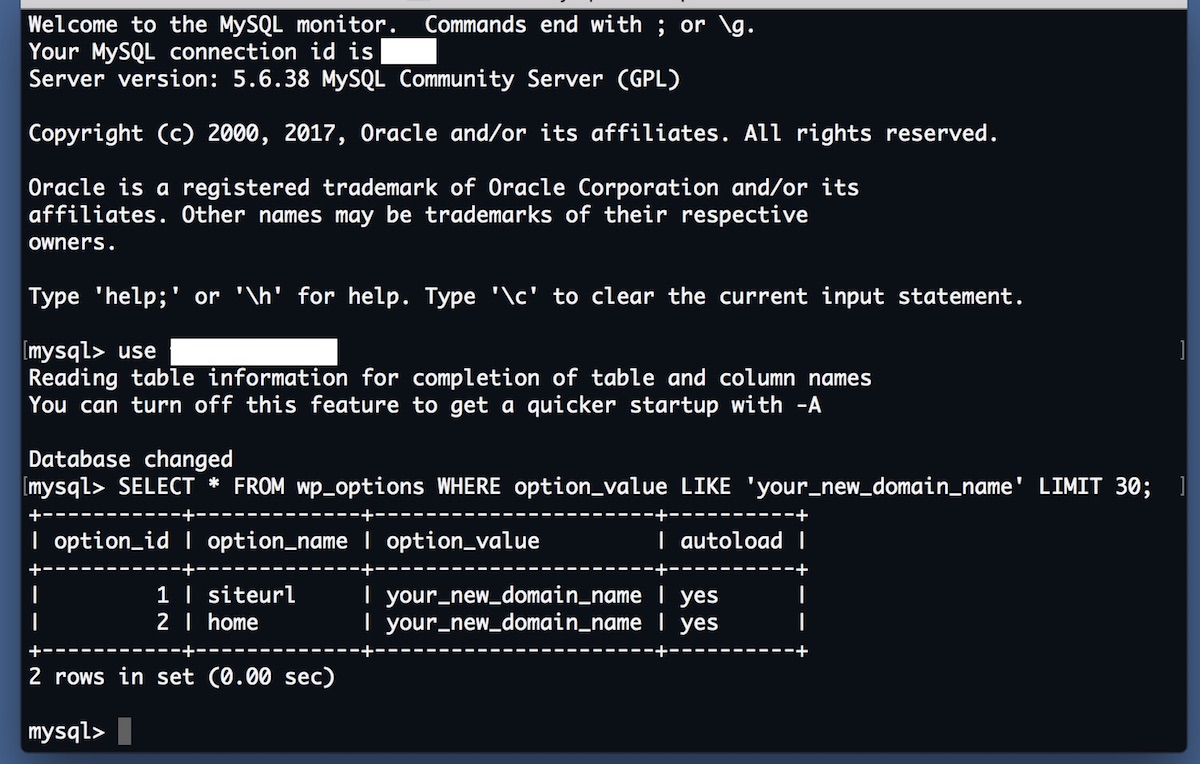
If your new WP site’s domain name is set to the previous one, please skip this part. Otherwise you need to edit your new WP database. Access the database using command line or phpMyAdmin. Select the “wp-options” table and find “siteurl” and then change “siteurl” option_value variable from the current one to the domain name of your old WP site. And then find “home” and assign the domain name to its option_value variable, too.

Once you succeed in editing the database, you will not be able to access your new WP site until you assign your domain to your new host. Keep that in mind.

Assign your domain to your new host

Login to your new hosting and find “Domains” section on the control panel. If you cannot find one, try using a search form. In the “Domains” section, you will most likely find “Assign” menu and be asked for the domain name that you would like to assign. Enter the domain name and change the nameservers for it. Once the nameservers are updated, all your Domain Name System (DNS) records for your domain will be overwritten to your new host. It may however take at most 24 – 48 hours to take effect. And your migration will be completed.

自転車趣味におけるミラーレス・レンズの使い心地

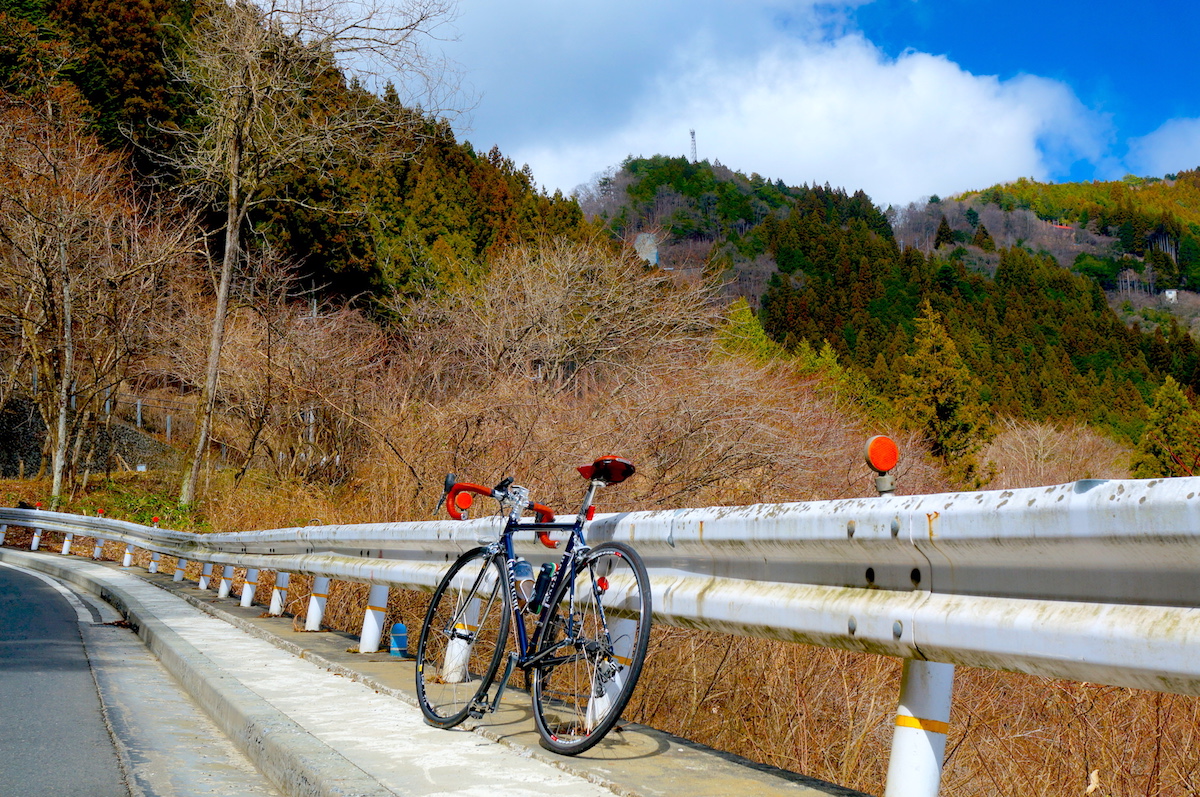
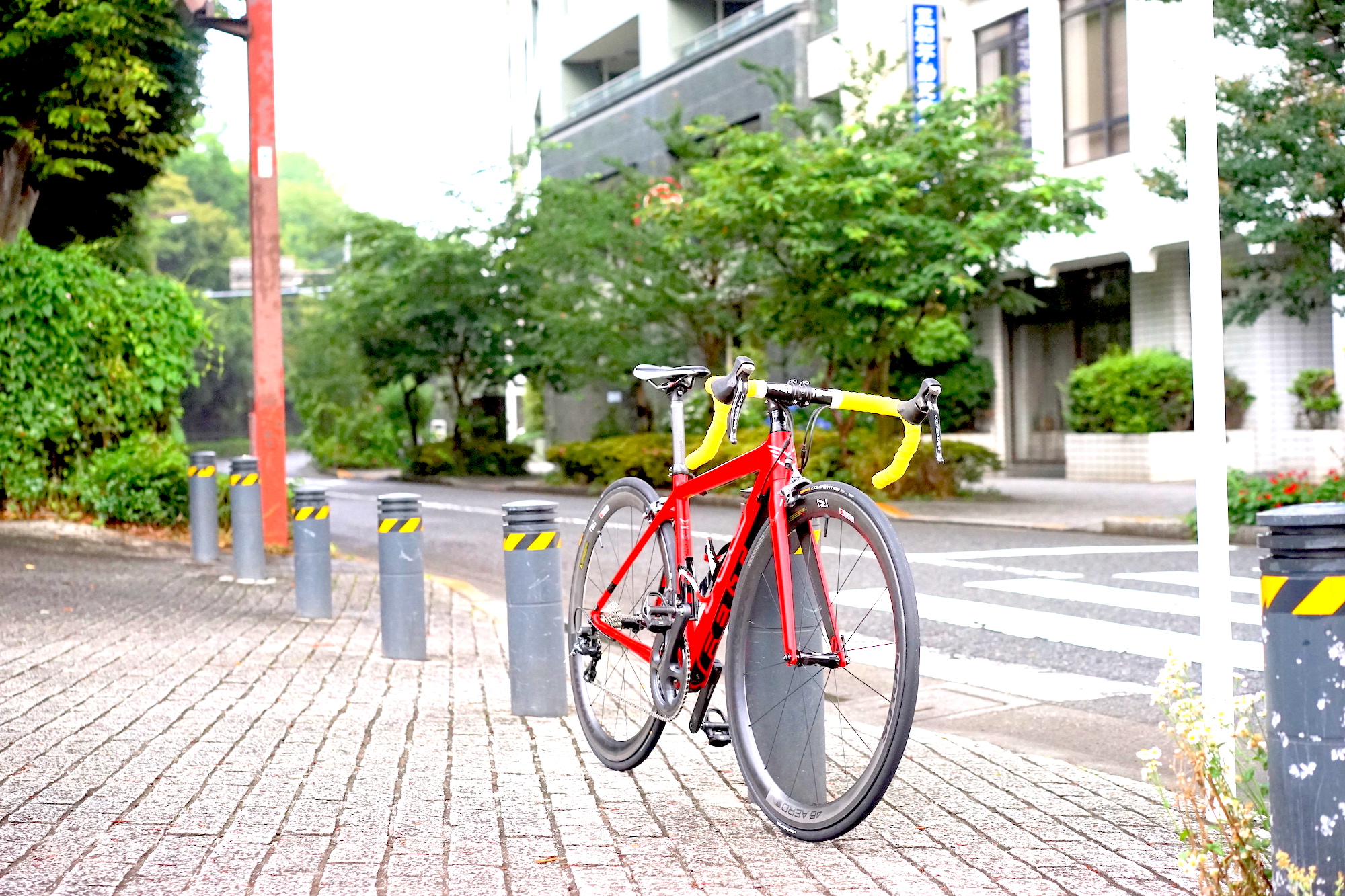
ロードバイクに乗っていて素晴らしい景色に巡り会うと、良い音楽を見つけた時のように嬉しい気持ちになります。

良い景色を見つけると喜んで自転車を降りたくなってしまいます。

もちろんグループライドの楽しさも分かります。

幼少の頃はノルディックスキーや競泳をやっていたので、競争の楽しさも成長の喜びもよく理解できます。

今まで1時間かかって登っていた峠を40分で登れるようになった時の達成感などは筆舌に尽くしがたいものです。

それでも自転車で出会える景色の方が好きなので、誰かと一緒に行くよりは一人で出掛けて、好きな場所で気兼ねなく止まれる方が私には適しているようです。

そんな光景を記録するために使用しているミラーレスカメラのレンズについて、自転車趣味での使い心地を書いてみようと思います。

あくまで自転車趣味における使い心地です。

私は E マウントしか使ったことがありませんので M4/3 や X マウントについては言及できません。むしろ教えてほしいです。


まずは常用レンズを使用頻度が高い順に紹介していきます。

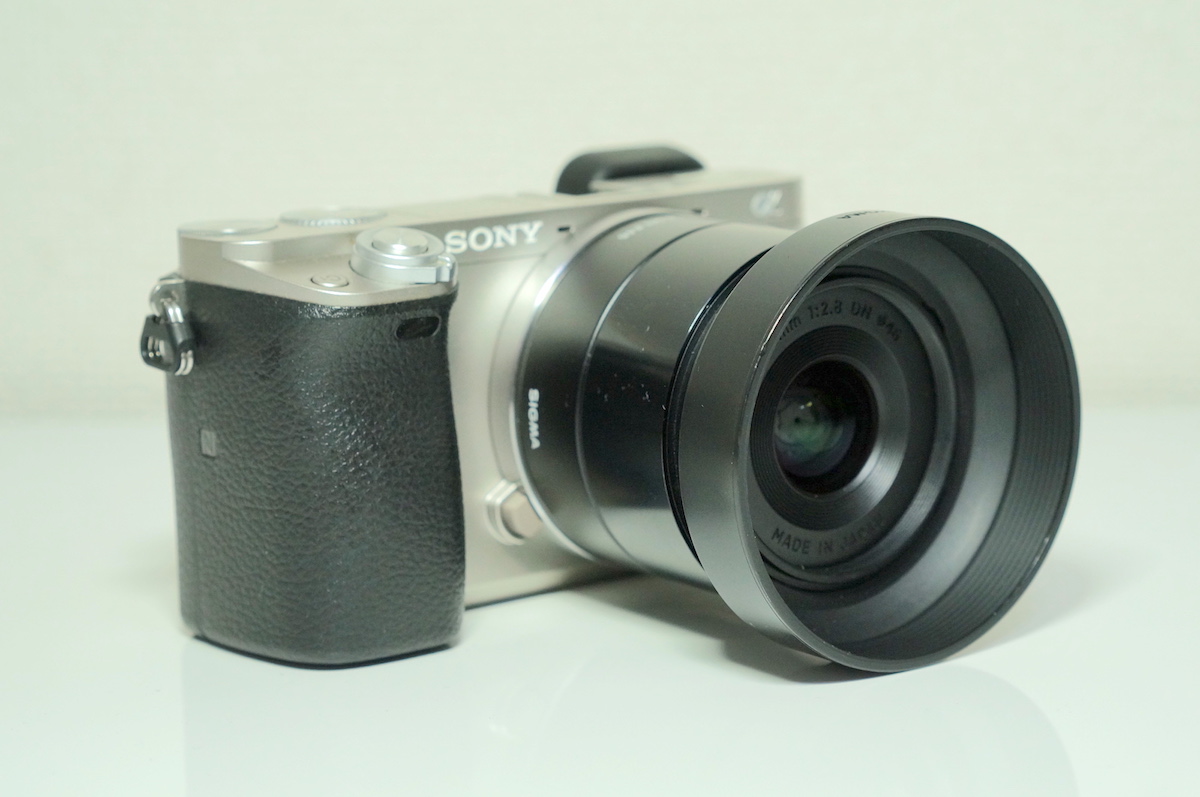
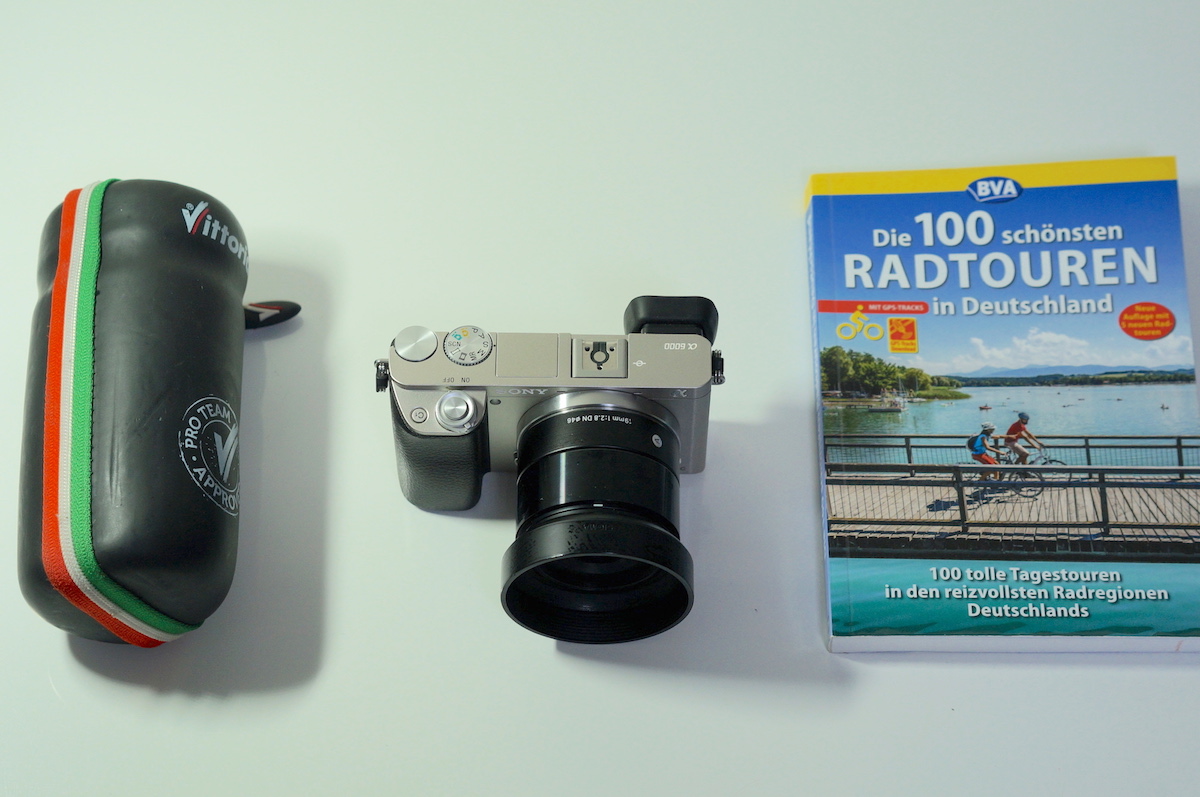
SIGMA 単焦点広角レンズ Art 19mm F2.8 DN

画角 19mm (換算29mm)
質量 実測 171g (フード込み)

軽くて、安くて、写りも悪くないレンズです。

加えて被写体に寄れる (最短撮影距離が短い) ので屋外の景色だけでなく、室内での料理撮影にも使えます。

大多数の自転車関連記事で用いられているほか、2本も購入して予備にストックしているぐらい好きなレンズです。

ただし、単焦点なのでズームはできませんし、使うと分かりますが焦点が安定しないので動画撮影には不向きです。


SIGMA 単焦点広角レンズ Art 19mm F2.8 DN ブラック ソニーEマウント用 ミラーレスカメラ専用 929749

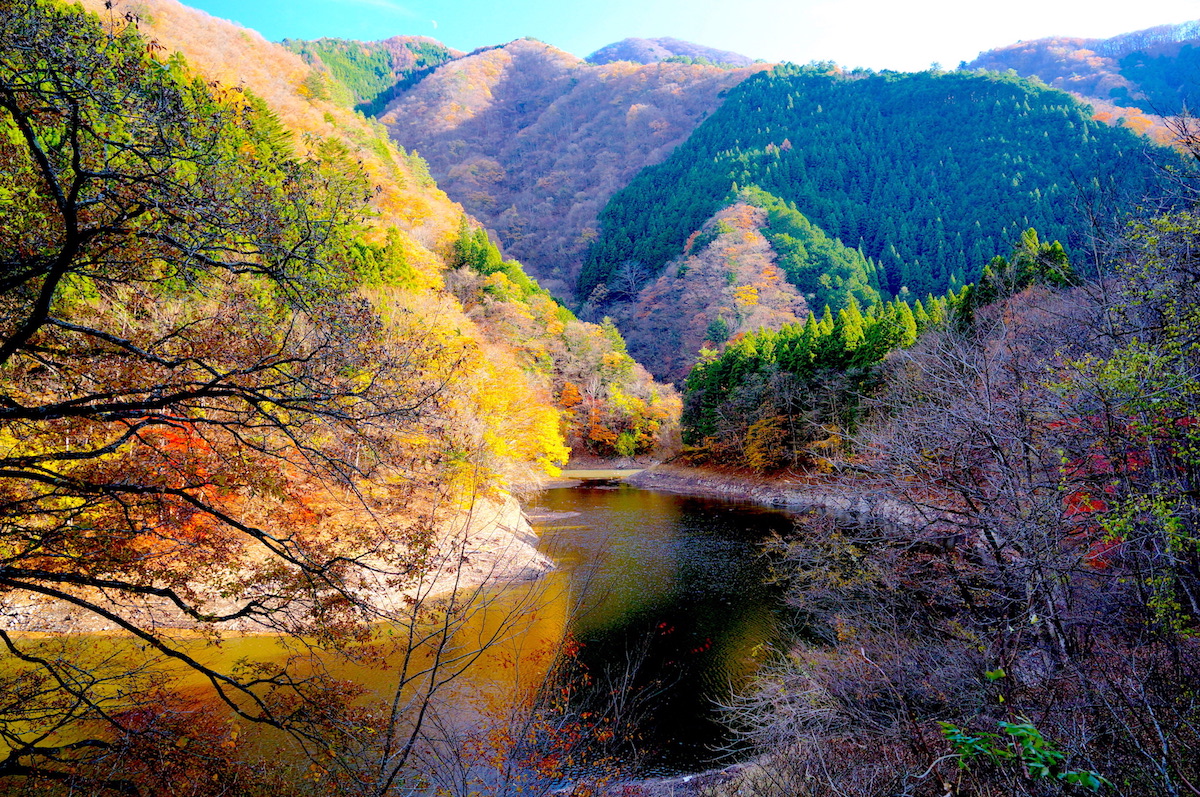
SIGMA 19mm F2.8 DN 撮影例


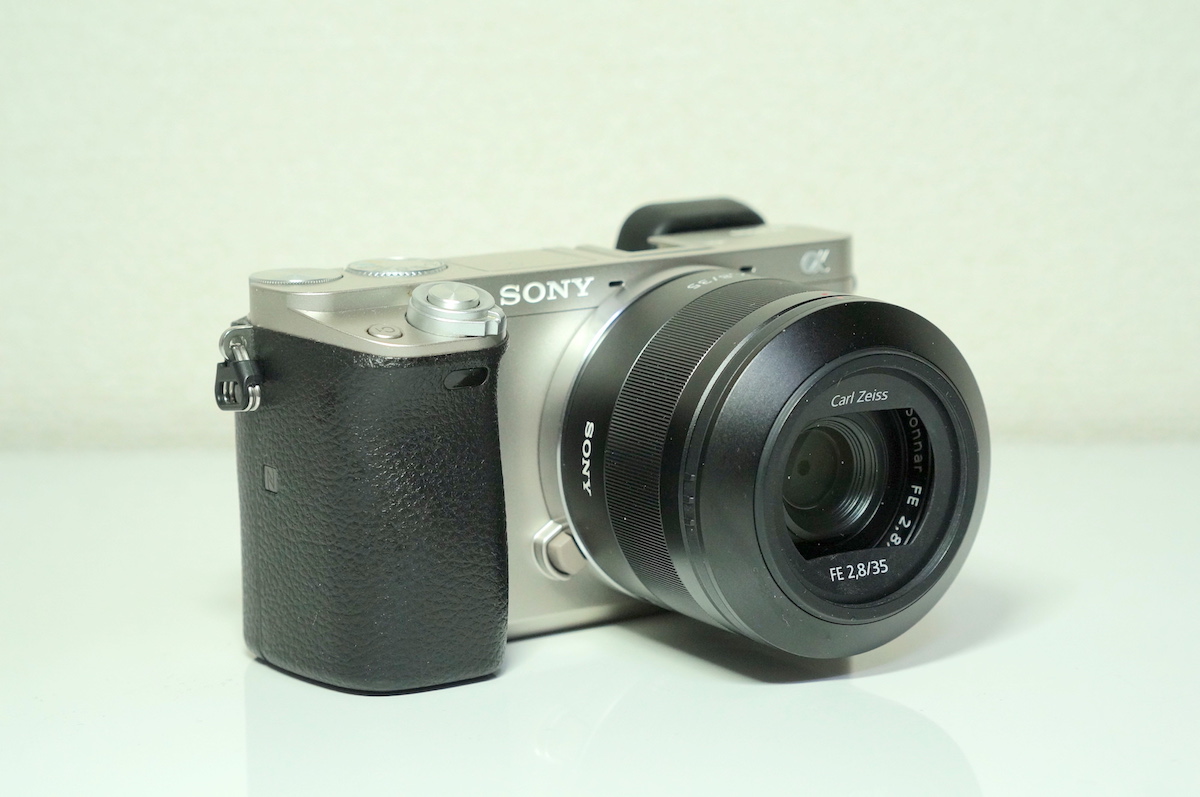
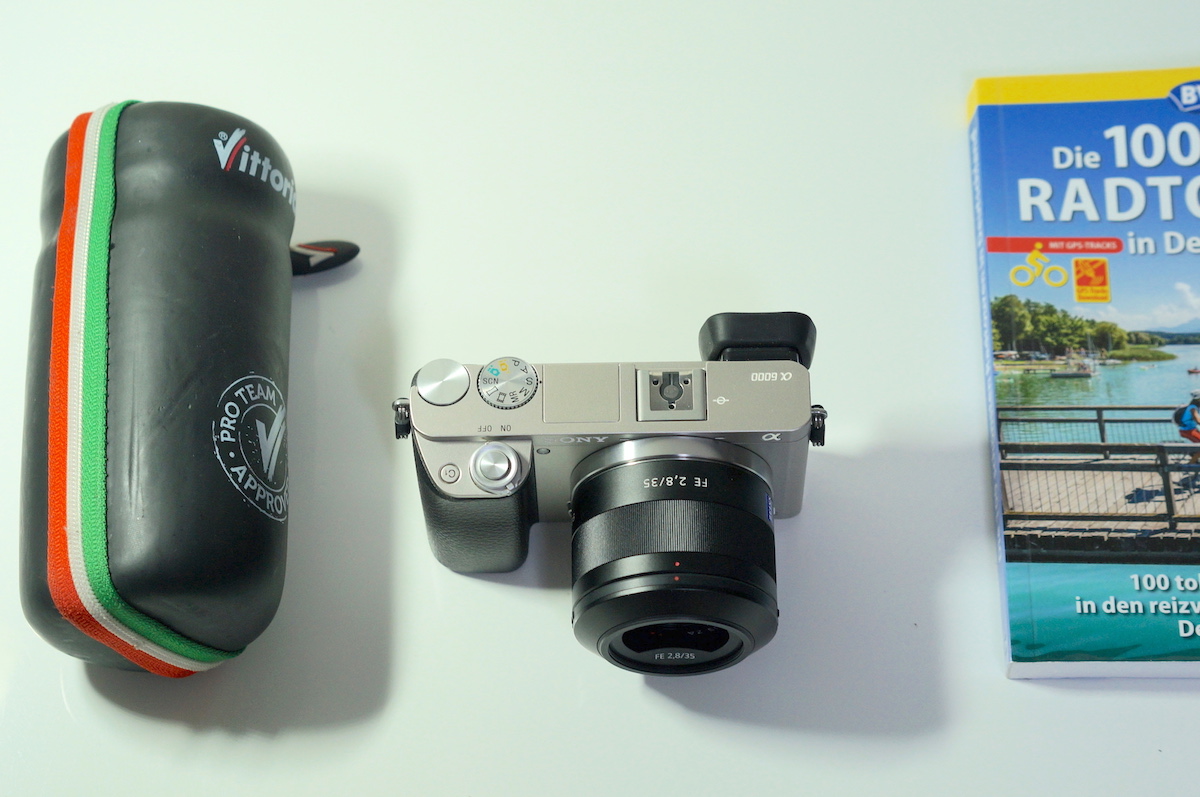
SONY 単焦点レンズ Sonnar T* FE 35mm F2.8 ZA

画角 35mm (換算54mm)
質量 実測 131g (フード込み)

本来はフルサイズ E マウント用レンズですが、ときどき NEX-5T / α 6000 に取り付けて自転車趣味でも使っています。

小さくて軽量、写りも良いので、癖は強いながらも使っていて楽しいレンズです。

と言うのも、このレンズはあまり被写体に寄れません。

万能感のある 35mm という画角を活かせるフルサイズでも使いどころを選ぶレンズなので、自転車趣味では尚のこと用途が絞られます。

また APC-S センサーと組み合わせて用いる場合には、自転車から離れた位置まで歩いて距離を置かないと全体像を写せないので、不安定な場所や風の強い場所では気を使います。

雨に濡らしたり、落としても気にならないというほど価格も安くもないので、ここぞという場面に持ち出すことが多いです。


SONY 単焦点レンズ Sonnar T* FE 35mm F2.8 ZA SEL35F28Z

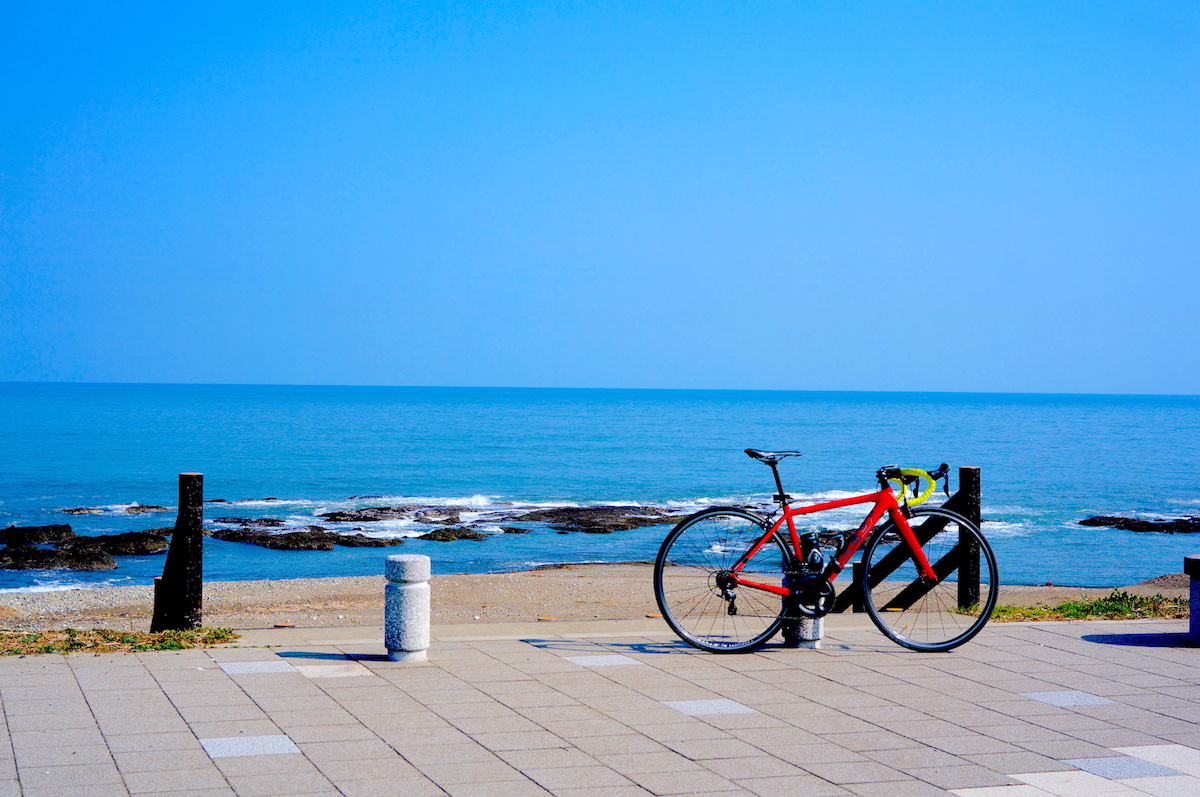
SEL35F28Z 撮影例


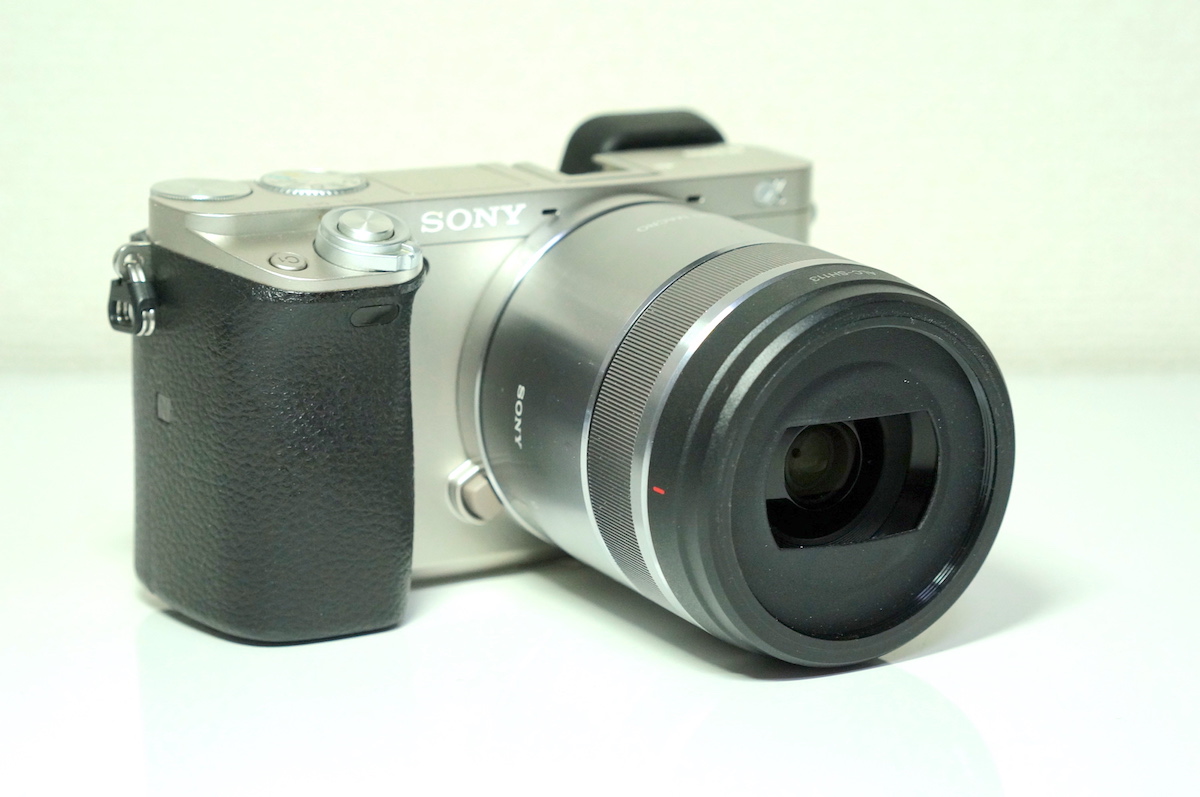
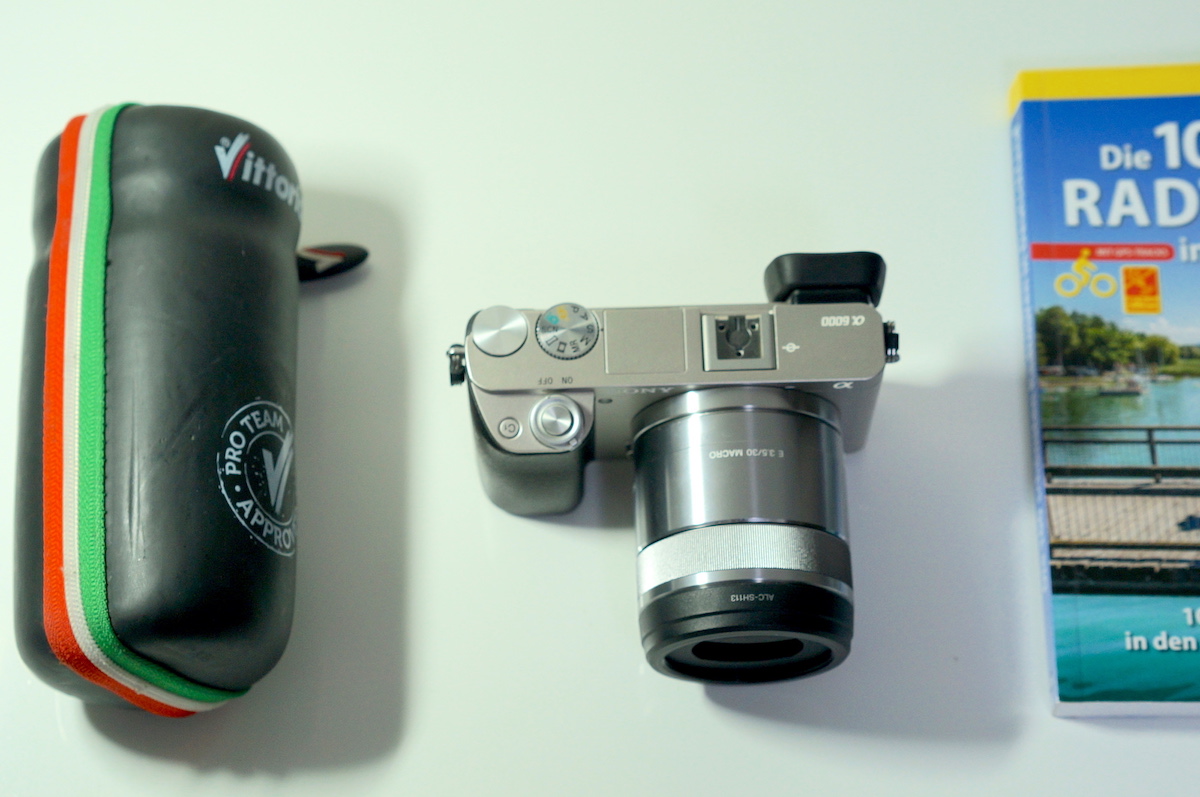
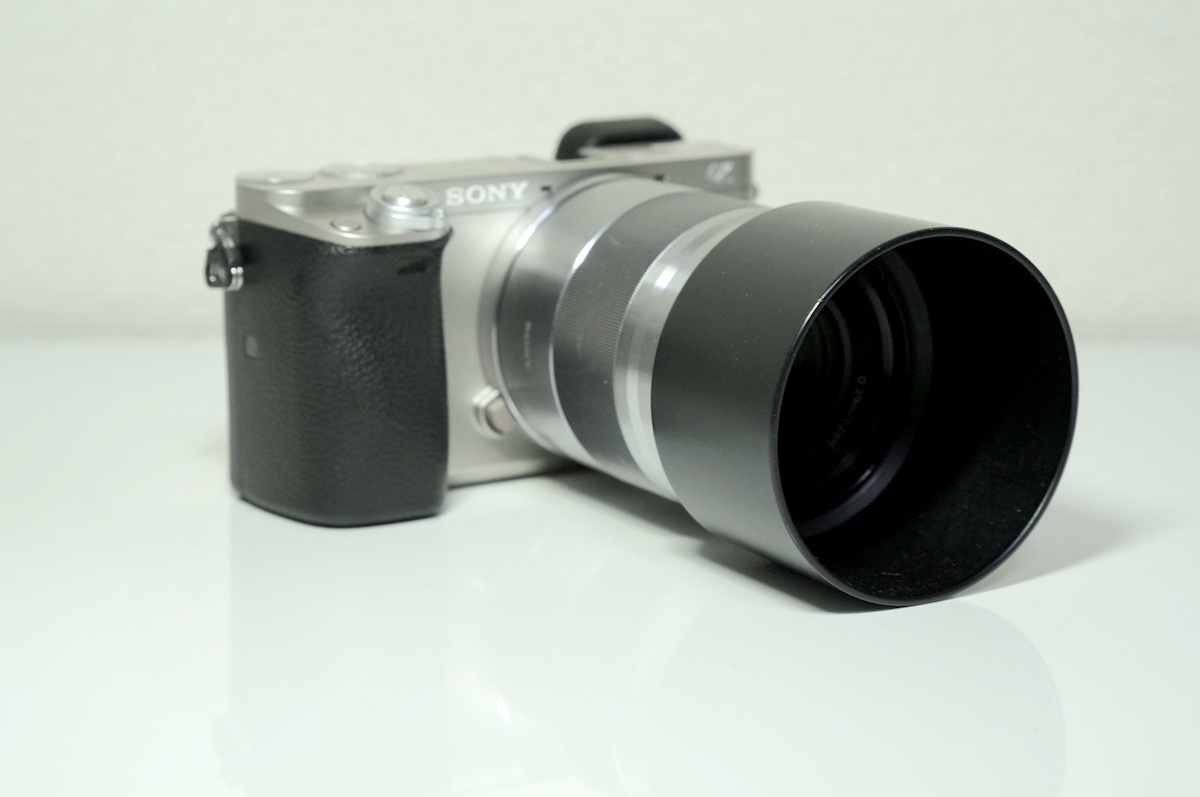
SONY 単焦点レンズ E 30mm F3.5 Macro

画角 30mm (換算46mm)
質量 実測 150 g (フード込み)

自転車趣味のためだけに買い足したレンズです。

使いやすい画角、最短撮影距離の短さ、そして安価な価格から用途はいくらでもある…

はずなのですが、あまり使用頻度は高くありません。

大きさも、重さも、写りも全く問題ありません。

しかし、合焦時間が長いので、スペックで見るよりも自転車趣味では使いづらいのが正直なところです。

元よりマクロレンズなので他の用途に用いるべきなのでしょうけど。


ソニー SONY 単焦点レンズ E 30mm F3.5 Macro SEL30M35

SEL30M35 撮影例


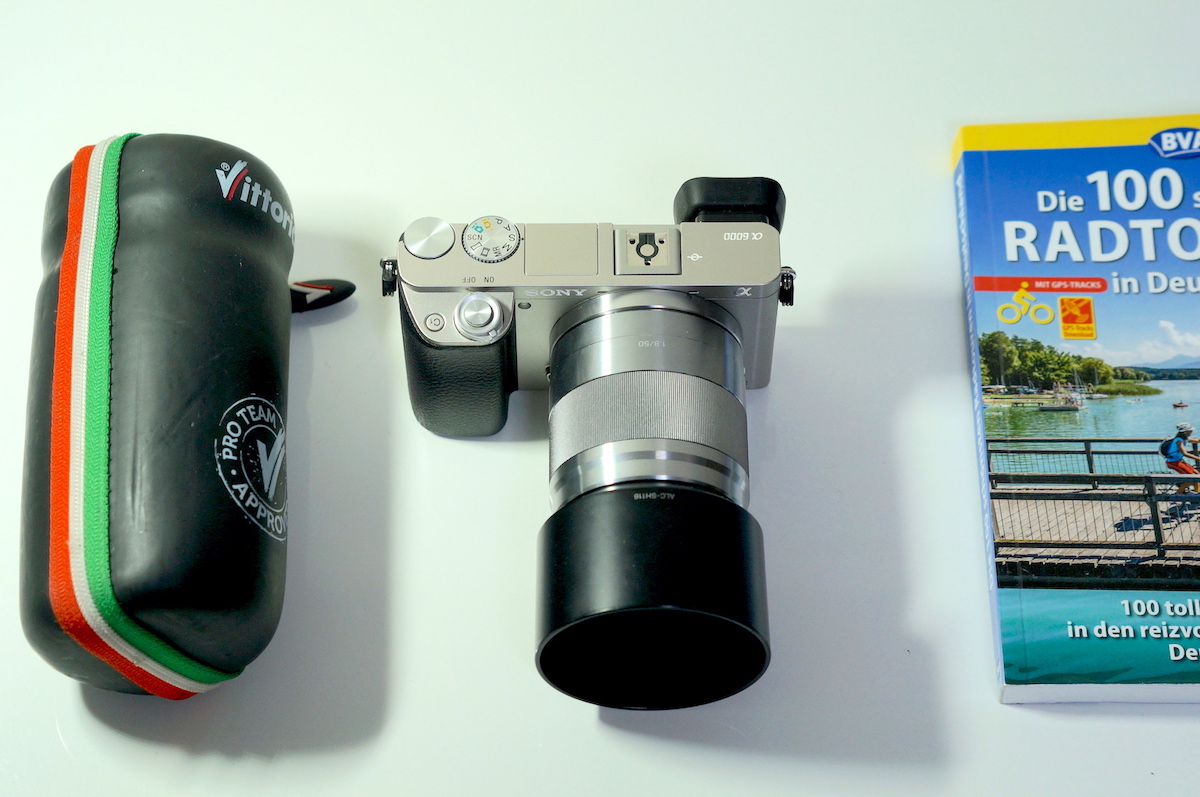
SONY 単焦点レンズ E 50mm F1.8 OSS

画角 50mm (換算76mm)
質量 実測 229 g (フード込み)

景色を撮るよりも、ヒトやモノを撮るためのポートレートレンズです。

景色を広く写すことが難しくなるので、特別な意図がある時にしか用いませんが、稀に無性に持ち出したくなる時があります。

同価格帯の E マウントレンズの中で写りが最高だからです。

自転車の全体像を写すには、結構な距離を歩いて離れなければいけません。

最短撮影距離もレストランなどの室内撮影で用いるにはやや厳しいぐらいです。

使い勝手はそれほど良くありませんが、使っていて楽しいレンズであることは間違いありません。

何というかカーボンホイールに通じるところがあります。

ソニー SONY 単焦点レンズ E 50mm F1.8 OSS APS-Cフォーマット専用 SEL50F18


SEL50F18 撮影例


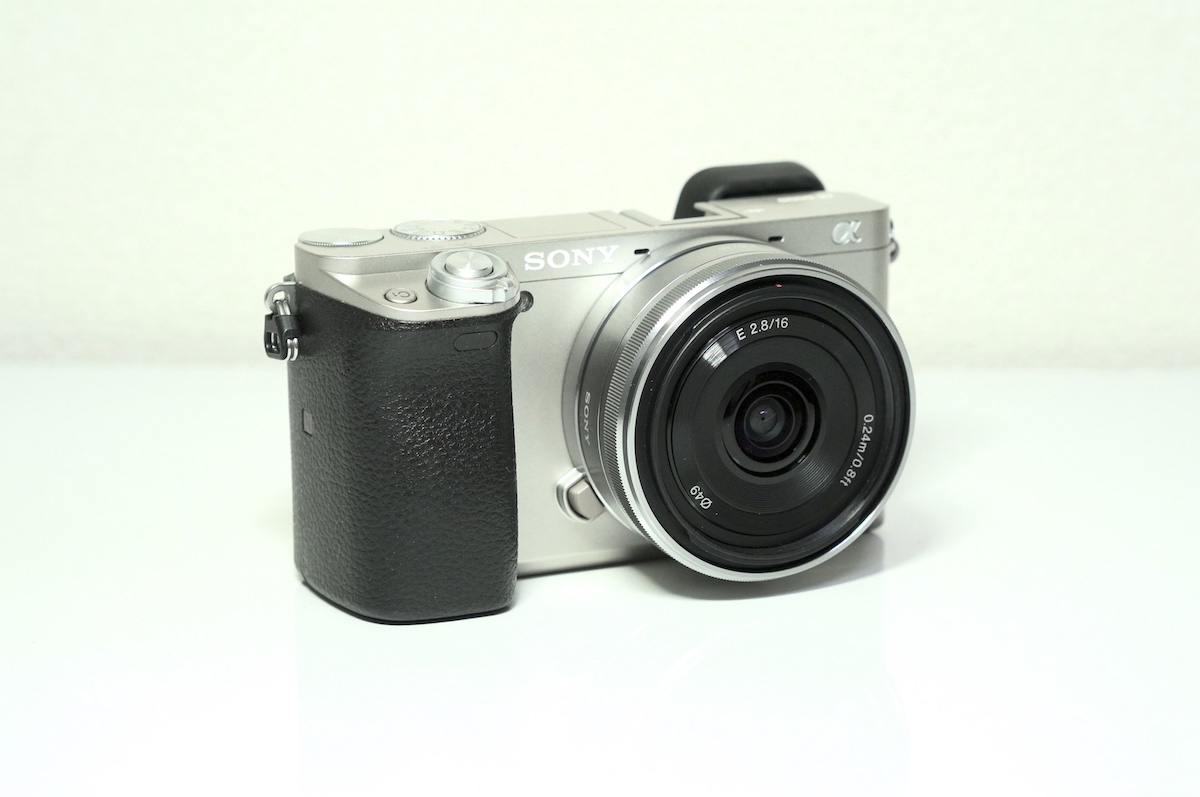
SONY 単焦点レンズ E 16mm F2.8

画角 16mm (換算24mm)
質量 実測 65g

レンズが充実していなかった頃は良く使っていた広角レンズです。

小さく、軽量、安価と自転車趣味に必要な要素を全て満たしている優秀なレンズです。

画質や合焦時間、最短撮影距離は可もなく不可もなく。

使わなくなった理由は、直接的には他のレンズに出番を譲る機会が増えたことですが、間接的には画質や画角でスマホカメラと競合するという事情が大きいです。

これならジャージの背中ポケットに収納できるスマホカメラで良いじゃないのかと思えてこない事もないです。

しかし、専用のコンバータを使用すれば、Eマウントでは貴重な魚眼レンズに変身するという唯一無二の個性を持っているので、まだまだ活躍の場面はあるかもしれません。

なにしろ自転車での持ち運びにも全く苦にならないほど小型で軽量なレンズですから。


SONY 単焦点レンズ E 16mm F2.8 SEL16F28

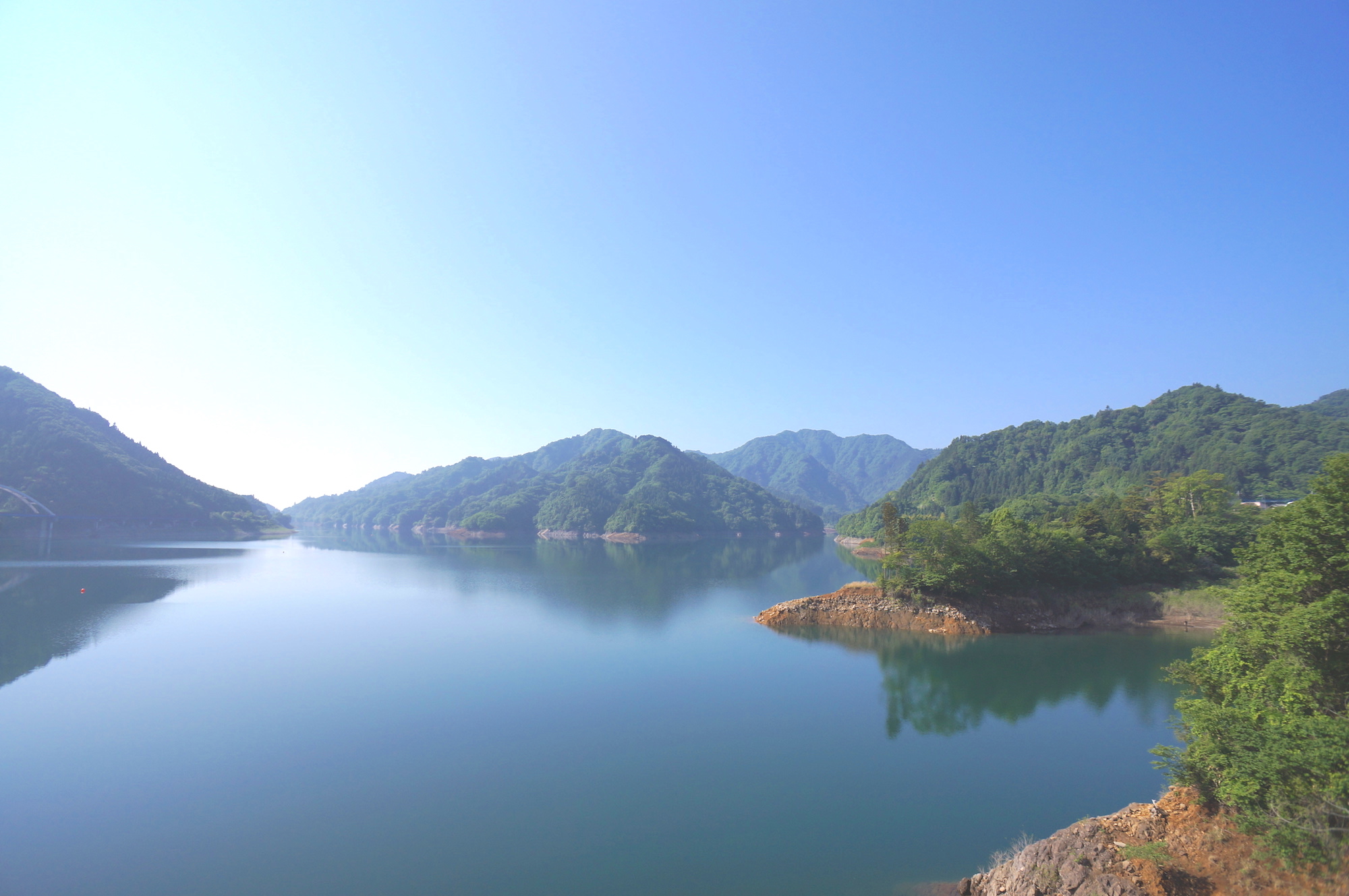
SEL16F28 撮影例


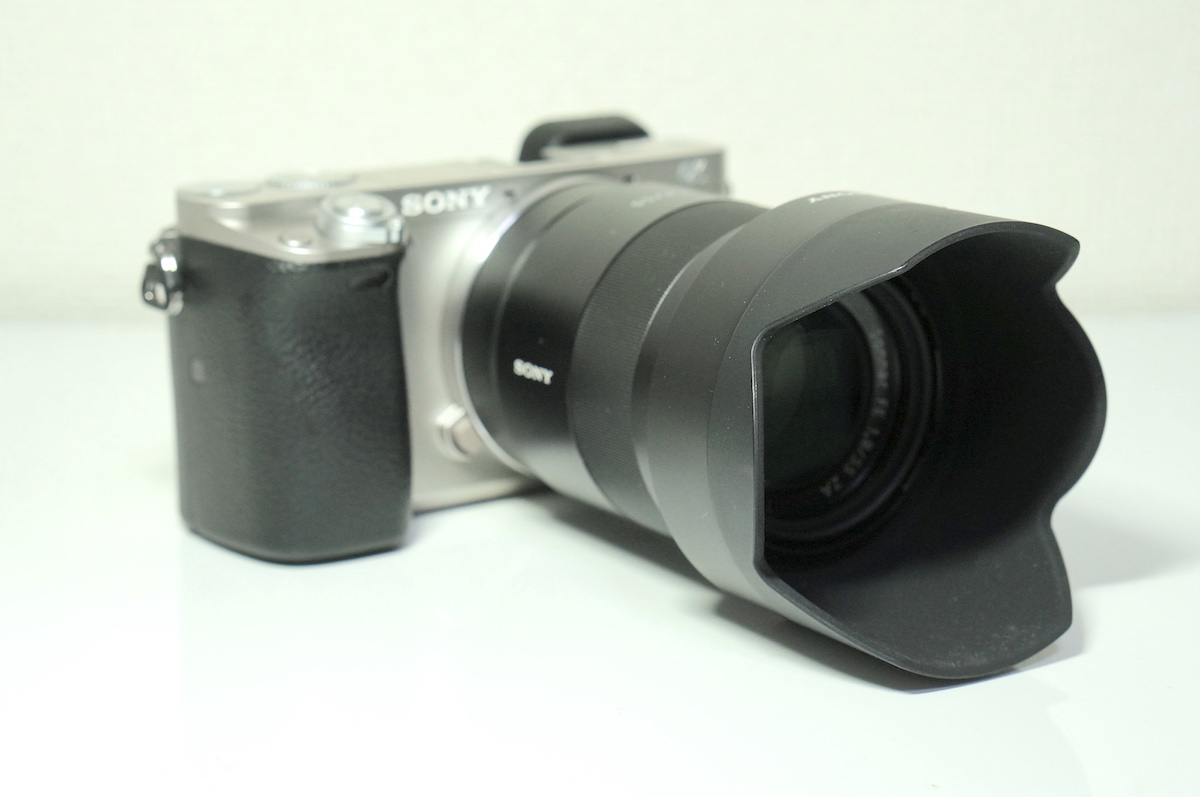
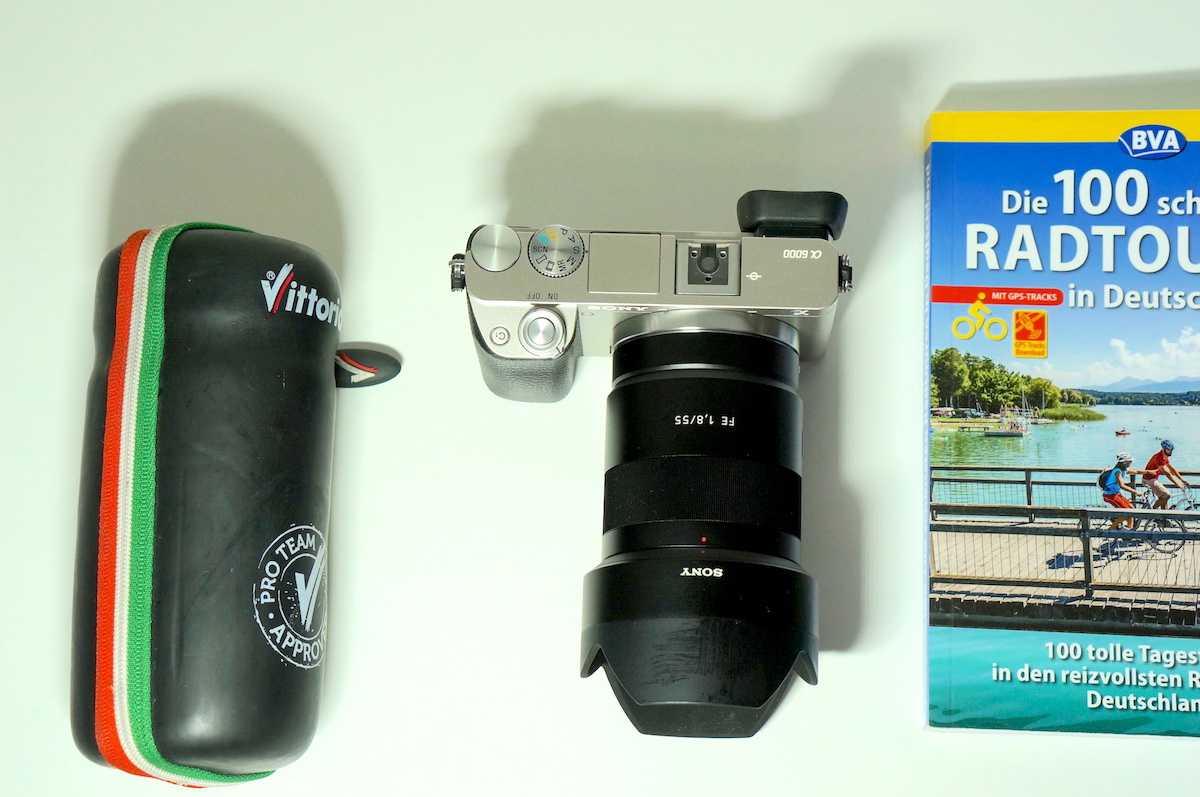
SONY 単焦点レンズ Sonnar T* FE 55mm F1.8 ZA

画角 55mm (換算84mm)
質量 実測 323g (フード込み)

ヒトやモノを撮るためのポートレートレンズです。

ほぼフルサイズでしか使わないので、ロードバイクと組み合わせて使ったことはほとんどありません。

自転車趣味という観点から見た 50mm F1.8 OSS ( SEL50F18 ) との大きな違いはフルサイズでも使用できること、やや望遠よりの画角、そして3倍ぐらい高価であることです。

レンズの性能的な違いを探せば、解像度やコントラストや逆光耐性など多くの違いを挙げることもできるのですが、そこまで拘りのある人はおそらくこの記事を読む前に実物を購入されて、研究され尽くしているかと思われます。

個人的には自転車趣味用途にそこまでは求めていません。


SONY 単焦点レンズ Sonnar T* FE 55mm F1.8 ZA Eマウント35mmフルサイズ対応 SEL55F18Z


SEL55F18Z 撮影例


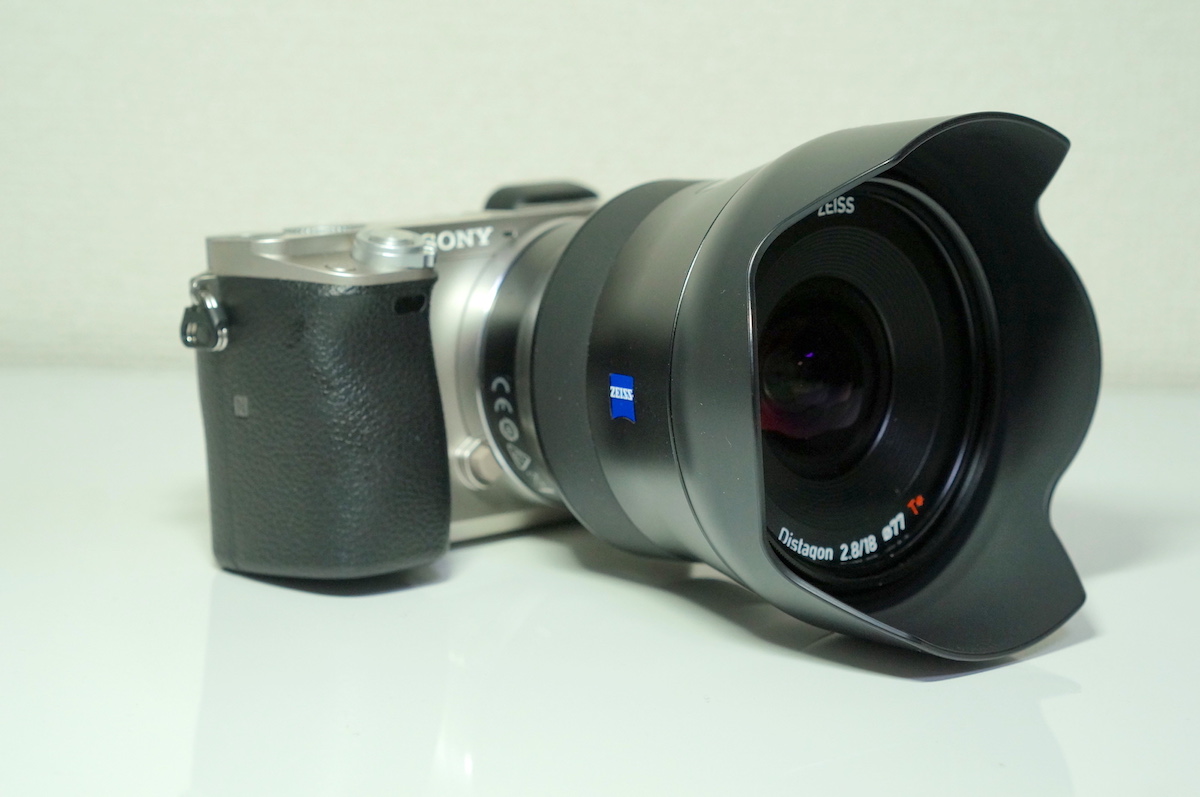
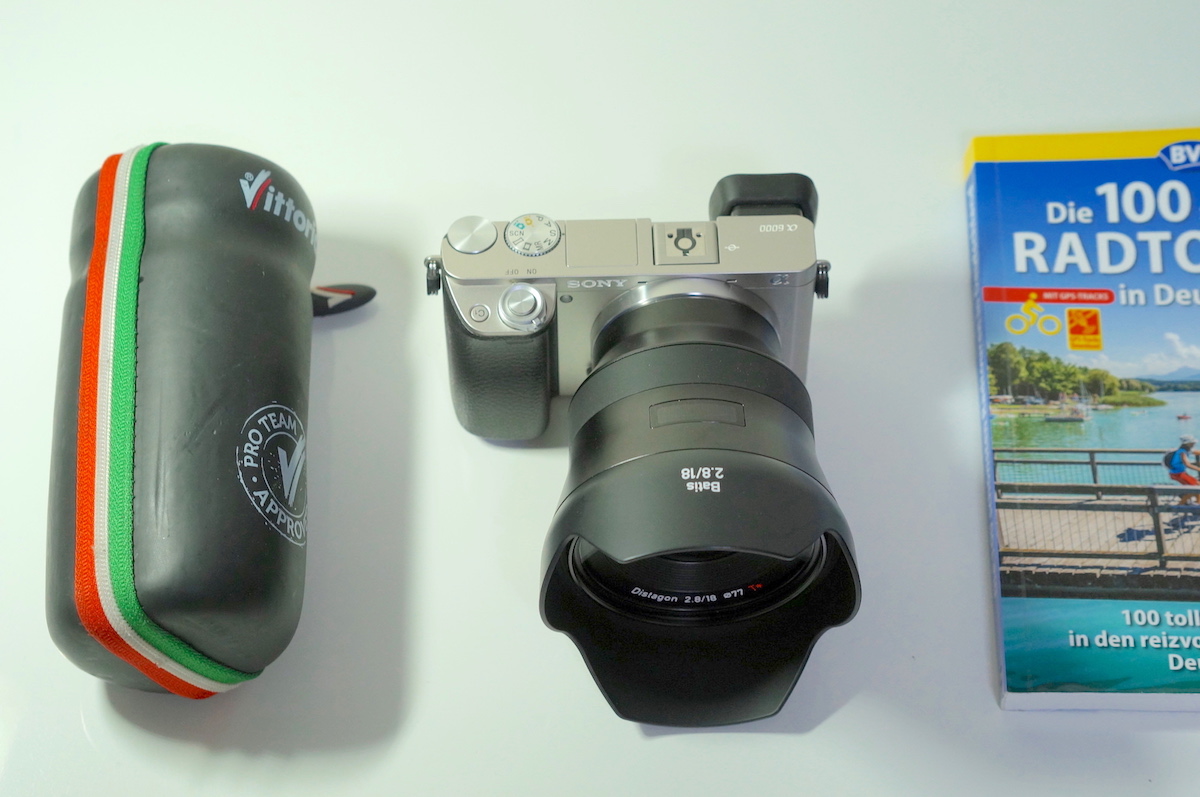
ZEISS Batis 2.8/18

画角 18mm (換算28mm)
質量 実測 370g (フード込み)

フルサイズ E マウントでは希少な広角単焦点レンズです。

しかも、画質も最高です。

その反面、ミラーレスカメラである必要性がないぐらいの大きさと重さになります。

自転車趣味では使ったことがありません。

これをロードバイクと一緒に使える人は、その用途にしかカメラを使わない人だと思われるので、ある意味、尊敬してしまいます。

でも、正直、このレンズを持って乗鞍岳や武嶺を登りたい気持ちはあります。


ZEISS Batis 2.8/18

ZEISS Batis 2.8/18 撮影例


ここまでが私が実際に自転車趣味に持ち出している E マウント・ミラーレスカメラ用のレンズになります。

持ち運べる荷物容量が極端に制限され、温度変化や悪天候、振動などの過酷な条件に晒される自転車趣味で用いるには単に画質や質量だけでなく、体積や価格などの要素がレンズの使い勝手に影響します。

にわか雨に晒されて浸水したり、落車の衝撃で故障することは常に覚悟しなければなりません。

また体積が大きいと登り坂であばれて自転車のフレームにぶつかる事があるので、重さよりも大きさ (小ささ) を重視した方が使い勝手が良くなります。

かと言って携帯性や防水性ではスマホには及ません。

さまざまな要素のバランスを考えていくのが難しくもあり、面白くもあります。

番外編


ここからは私が使用したことがない、しかし、自転車趣味用として興味のあるレンズです。

もし購入して継続使用することがあったら、将来的に本記事中に追記するかもしれません。


SIGMA 16mm F1.4 DC DN


SIGMA の明るい広角レンズというだけで興味が湧きます。価格も自転車用途に最適です。


Zeiss Touit 2.8/12 E-mount


小型軽量で画質も良い APS-C 専用の広角単焦点。ある意味、Batis よりも贅沢です。

What does it feel like to be in Taiwan in the middle of winter

It does not really feel like winter at the end of February in Taiwan, a subtropical, evergreen island in the Pacific Ocean. Towering palm trees and flowering trees are everywhere. Rice fields are filled with young fresh plants. And the temperatures never go below 50 degrees — even when frozen temperatures bear down on Tokyo!

You may not need thick winter coats but will probably need long sleeve shirts to avoid mosquito bites. Otherwise you will likely result in swatting mosquitoes once or twice a day. Even in winter, it is a bit buggy around here. It is foggy and muggy after all.


While warm moist air and bright sunlight make it feel like summer, the Lunar New Year Celebration reminds you that it is just the beginning of spring. Thus it is always nice to attend the celebration.